News
Why Does an LCD Screen Show Flickering, Image Distortion, or Color Abnormalities? 90% of Display Problems Are Not Caused by the LCD Panel!
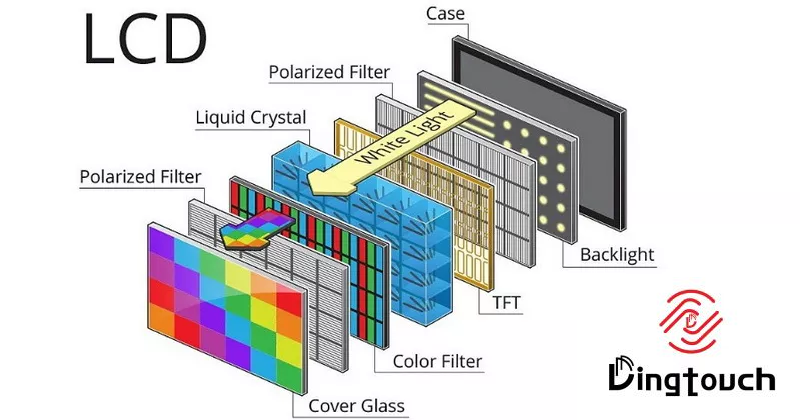
Why Does an LCD Screen Show Flickering, Image Distortion, or Color Abnormalities?
90% of Display Problems Are Not Caused by the LCD Panel!
A Complete Guide to LCD Driver Parameter Optimization and Display Troubleshooting
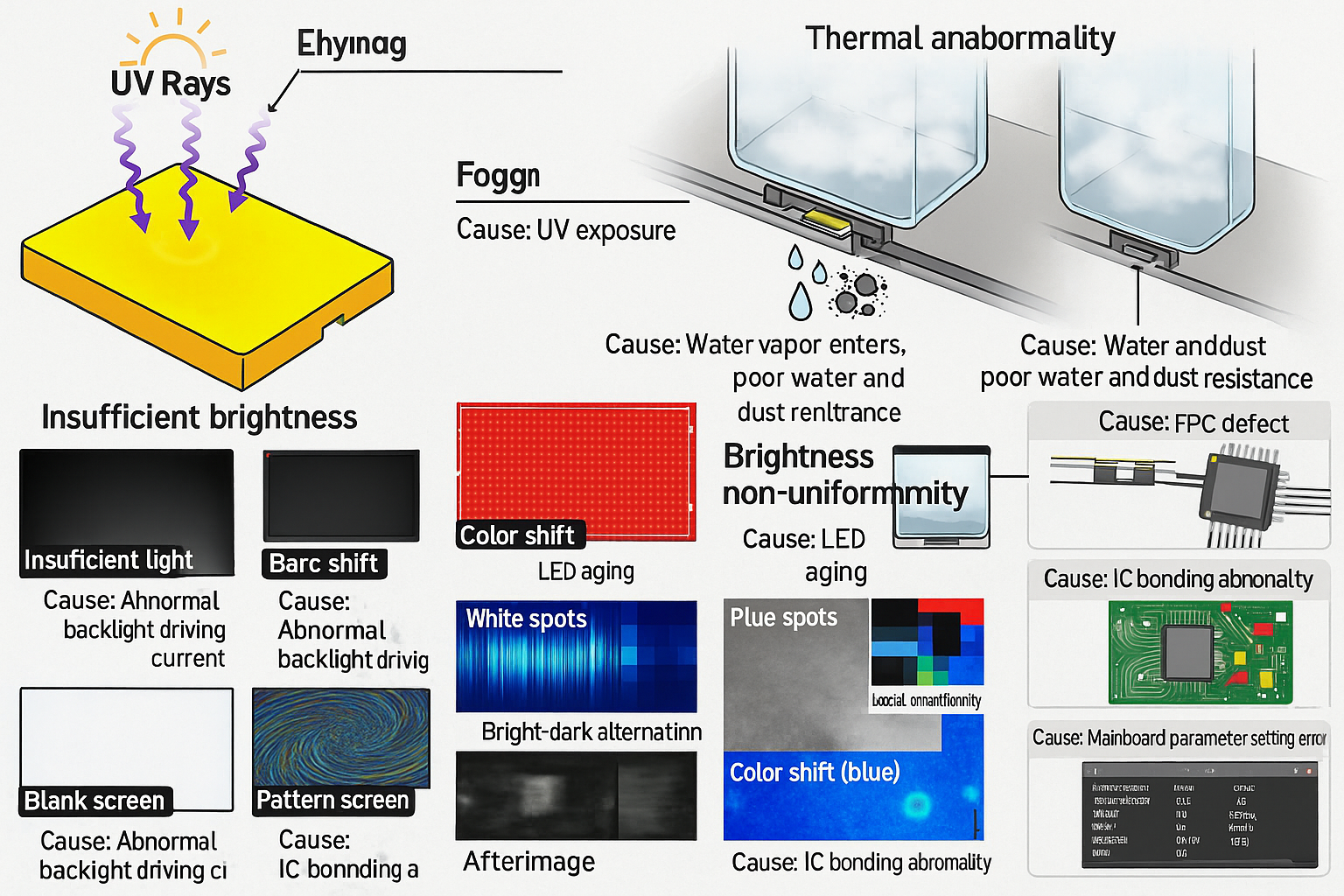
During the development of industrial displays, medical devices, HMI systems, smart terminals, and other embedded products, engineers often encounter problems such as:
- LCD screen flickering;
- Image distortion or random noise;
- Incorrect colors or color shifting;
- Gray-scale abnormalities;
- Image retention (ghosting);
- Screen shaking or unstable display.
The first reaction is usually:
“Is there a quality problem with the LCD panel?”
However, based on extensive engineering debugging experience, most display failures are not caused by defective LCD hardware. In many cases, the real issue is that the driver parameters are not properly matched with the LCD specifications.
An LCD display system is like a precision orchestra:
- The LCD panel is the performer;
- The driver IC and software parameters are the conductor.
Even a high-quality LCD cannot deliver the expected performance if the driver configuration is incorrect. Incorrect settings can easily lead to display defects and may even cause the panel to be mistakenly considered defective.
DINGTouch will explain the four most common LCD driver issues and provide practical troubleshooting methods for engineers.
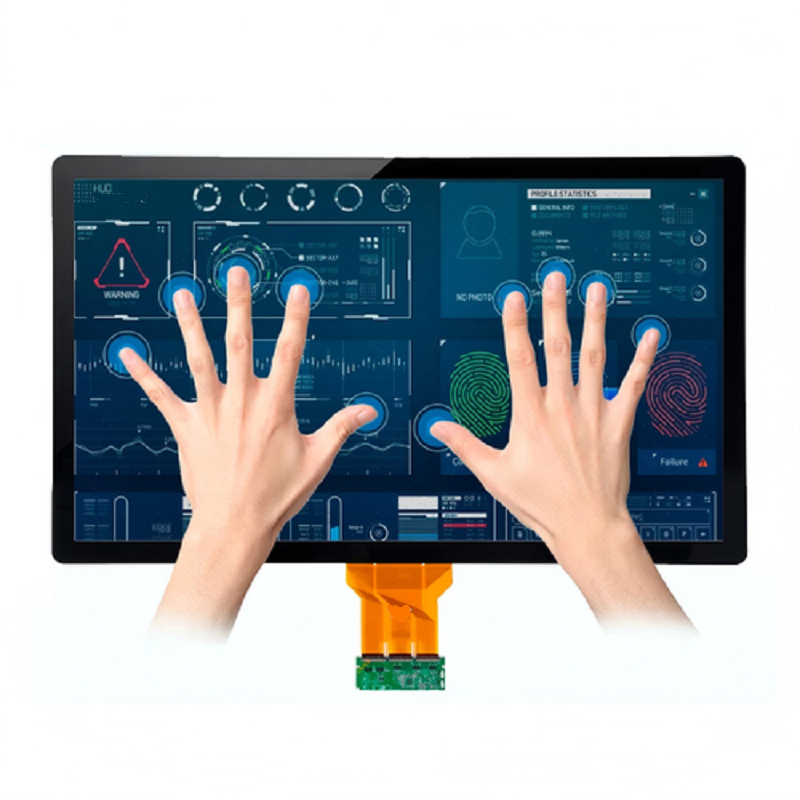
1. Why Does an LCD Require Driver Optimization?
Many people assume:
“The LCD should work normally once power is applied.”
In reality, an LCD module is not a simple plug-and-play device.
The host processor communicates with the LCD driver IC through interfaces such as:
- RGB;
- LVDS;
- MIPI;
- eDP.
The system must correctly control:
- Display data;
- Pixel Clock;
- HSYNC;
- VSYNC;
- Data format;
- Power sequence;
- Gamma settings;
- VCOM parameters.
If any parameter is incorrect, display problems may occur.
Simply put:
The host controller tells the LCD when to display, what data to display, and how to display it.
If the communication rules do not match, the LCD cannot display correctly.
The 4 Most Common LCD Driver Problems
| Problem | Common Symptoms |
|---|---|
| Timing configuration error | Flickering, distorted image, no display, image shifting |
| Color format mismatch | Wrong colors, color distortion, insufficient color depth |
| Incorrect power sequence | Black screen, ghosting, abnormal display |
| Improper VCOM adjustment | Flickering, poor contrast, gray-scale issues |
① Timing Configuration Errors: The Foundation of Stable LCD Display
LCD panels are extremely sensitive to display timing.
Important timing parameters include:
- Pixel Clock;
- HSYNC (Horizontal Synchronization);
- VSYNC (Vertical Synchronization);
- Front Porch;
- Back Porch.
Even a small deviation can cause display problems.
Common Timing Problems
| Parameter Error | Possible Display Issue |
|---|---|
| Pixel Clock too high | Flickering, image distortion |
| Pixel Clock too low | Slow refresh, lagging display |
| HSYNC incorrect | Horizontal image shift |
| VSYNC incorrect | Vertical image jumping |
| Porch timing incorrect | Black borders, incomplete display area |
Common Engineering Mistake:
Never copy Timing parameters from a previous project!
Even if two LCD have:
- The same resolution;
- The same size;
- The same interface;
their timing parameters may still be different due to:
- Different LCD manufacturers;
- Different driver ICs;
- Different panel designs.
Correct approach:
Always refer to the current LCD datasheet before configuration and verify all timing parameters.
② Incorrect Color Format: Why Does the LCD Show Wrong Colors?
The output data format from the host controller must match the LCD input specification.
Common formats include:
- RGB565 (16-bit);
- RGB666 (18-bit);
- RGB888 (24-bit).
If the format is incorrect, the display may show:
- Red and blue color swapping;
- Incorrect colors;
- Black-and-white images;
- Poor color depth.
Common Color Configuration Problems
| Configuration Issue | Display Effect |
|---|---|
| Incorrect RGB format | Completely wrong colors |
| Insufficient color depth | Visible color banding |
| Dither disabled | Gradient color steps |
| Incorrect Gamma setting | Image too bright, dark, or gray |
What Is Dither Technology?
Dither is an image processing technology that uses algorithms to simulate additional color levels.
It is especially useful for lower color-depth LCD, such as:
- RGB565;
- RGB666 displays.
By enabling Dither, the system can improve visual smoothness.
Benefits:
✅ Reduces color banding
✅ Improves gradient transitions
✅ Enhances image quality on low-bit-depth displays
③ Incorrect Power Sequence: Ghosting May Not Mean LCD Damage
When engineers see image retention, they often assume:
“The LCD panel is damaged and needs replacement.”
However, many ghosting problems are caused by an incorrect power on/off sequence.
LCD liquid crystal molecules require a controlled initialization and shutdown process.
If:
- The backlight is turned off incorrectly;
- Power is removed too quickly;
- Display signals continue after power-down;
the panel may experience:
- Residual charges;
- Gray-scale abnormalities;
- Static image retention;
- Local image dragging.
Correct LCD Power Sequence
Power-On Sequence:
- Turn on main power supply
- Initialize the driver IC
- Configure Timing parameters
- Enable display output
- Turn on the backlight
Power-Off Sequence:
- Turn off backlight
- Stop display output
- Disable logic power
- Turn off main power supply
Engineering Recommendation:
Always follow the LCD datasheet requirements:
- Maintain proper delay time;
- Follow correct voltage startup sequence;
- Avoid sudden power interruption.
This helps reduce ghosting and improves long-term reliability.
④ VCOM Optimization: A Key Factor Affecting Flickering and Gray Scale
VCOM is an important reference voltage in LCD driving.
It can be understood as:
The balance point that controls LCD display stability.
Incorrect VCOM adjustment may cause:
- Screen flickering;
- Uneven gray levels;
- Reduced contrast;
- Image retention.
VCOM Adjustment Principles
There is no universal VCOM value that works for every LCD.
The optimal value depends on:
- Panel size;
- LCD manufacturer;
- Driver IC;
- Operating temperature.
VCOM usually requires fine adjustment according to the actual display performance.
Four-Step LCD Driver Optimization Method
Many display problems can be solved without replacing the LCD panel.
Proper parameter optimization can significantly improve display performance.
| Optimization Item | Purpose | Recommended Method |
|---|---|---|
| Timing Optimization | Ensure stable display | Follow LCD datasheet parameters |
| Color Optimization | Improve image quality | Match RGB format and enable Dither/FRC |
| VCOM Optimization | Reduce flickering and ghosting | Fine-tune based on actual display |
| Power Sequence Optimization | Improve reliability | Follow specified timing requirements |
LCD Display Troubleshooting Checklist
When LCD problems occur, do not replace the panel immediately.
Check the following items first:
✅ Are Timing parameters consistent with the LCD datasheet?
✅ Is Pixel Clock configured correctly?
✅ Does the RGB data format match the panel specification?
✅ Are Gamma parameters optimized?
✅ Is Dither/FRC enabled when required?
✅ Is VCOM adjusted properly?
✅ Does the power sequence meet requirements?
✅ Is there any signal interference on the interface?
In many cases, adjusting only one critical parameter can significantly improve display performance.
DINGTouch: More Than an LCD Supplier — A Complete Display Solution Provider
A high-quality industrial LCD module requires not only excellent hardware but also professional driver tuning and system integration.
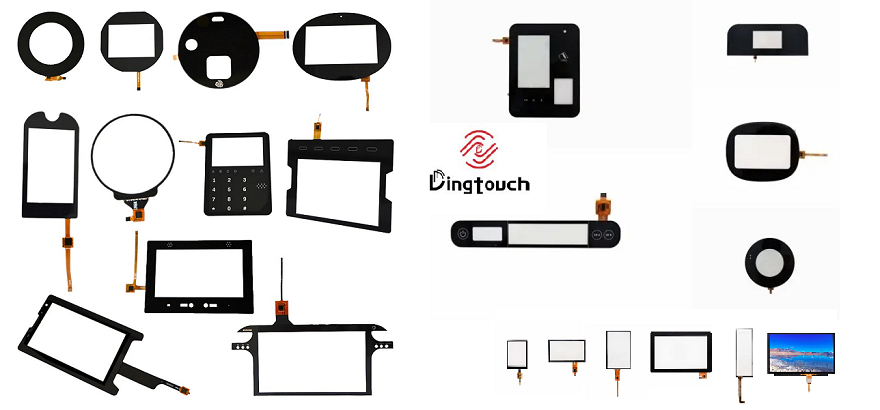
DINGTouch specializes in customized display solutions, including:
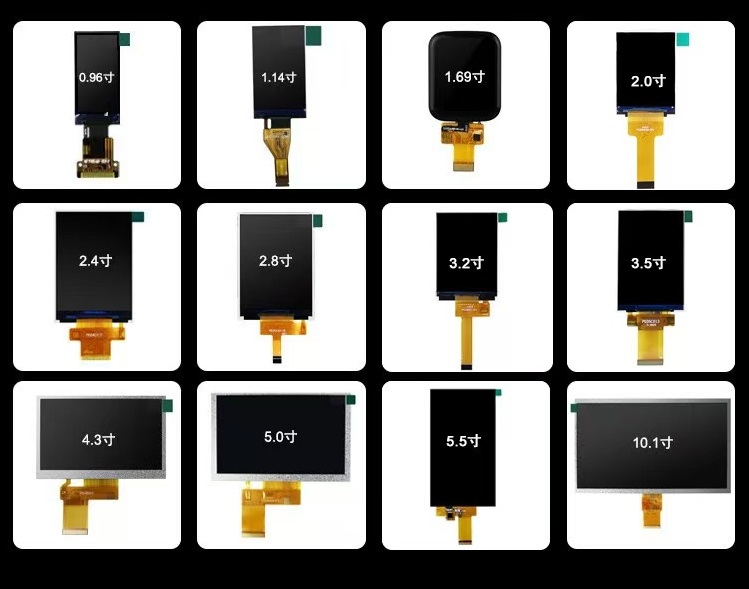
- 0.96-inch to 65-inch display solutions;
- TFT LCD touch display modules;
- Industrial HMI displays;
- Medical displays;
- High-brightness outdoor displays;
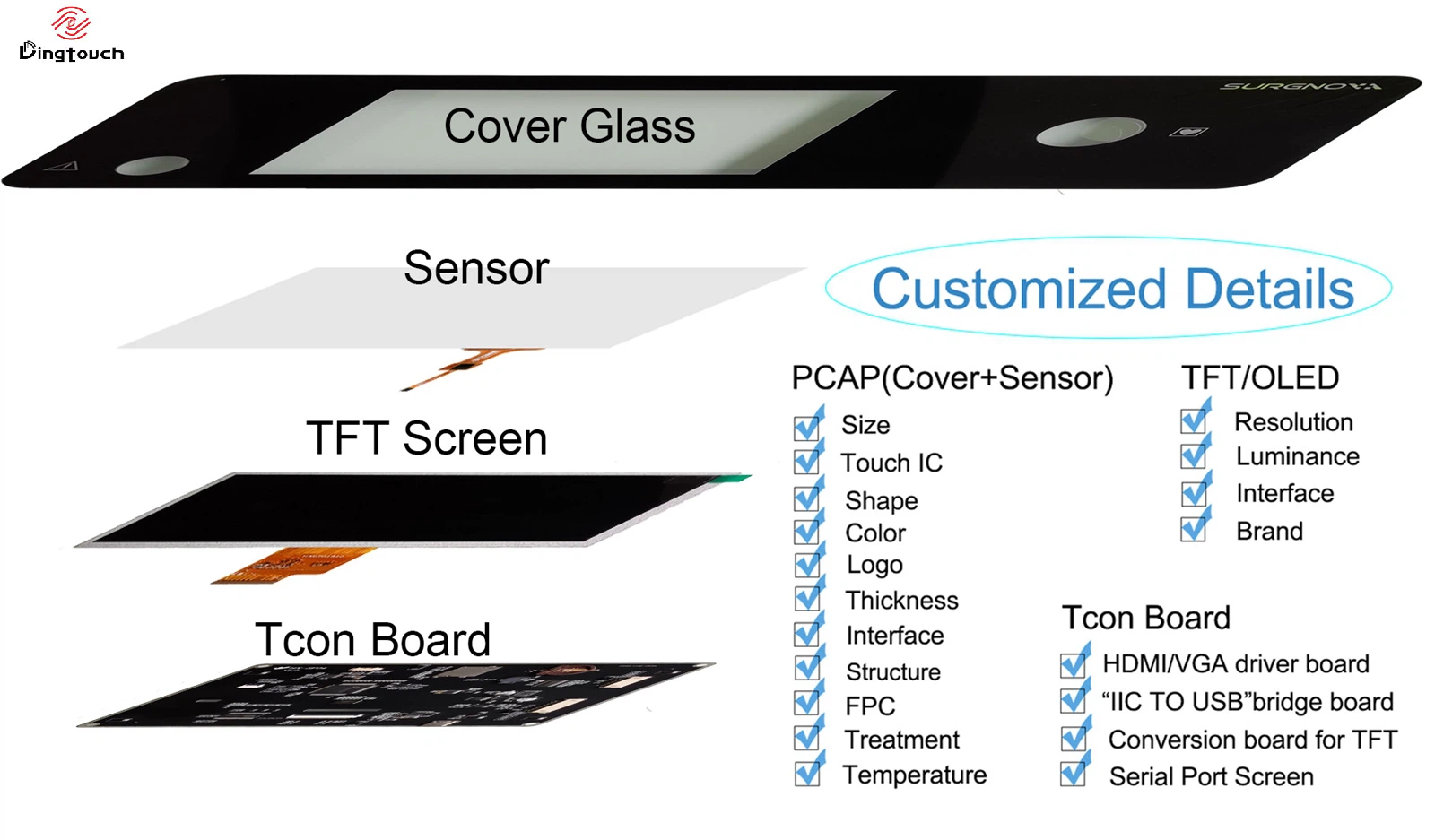
- TP+LCD integrated solutions.
DINGTouch also provides:
- LCD driver adaptation;
- Display parameter optimization;
- Touch and display integration;
- Technical support for project development.
Helping customers shorten development cycles, improve product reliability, and accelerate mass production.
Excellent Display Performance Is Never a Matter of Luck
It comes from:
Precise hardware selection + accurate driver configuration + professional engineering optimization.
 Partner with DINGTouch for Custom Display Solutions
Partner with DINGTouch for Custom Display Solutions
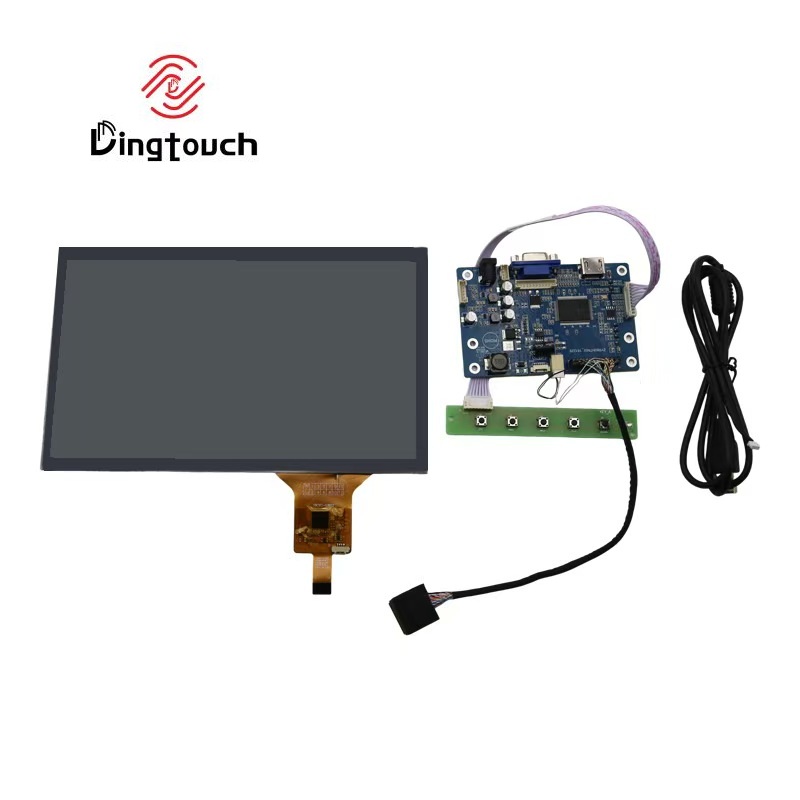
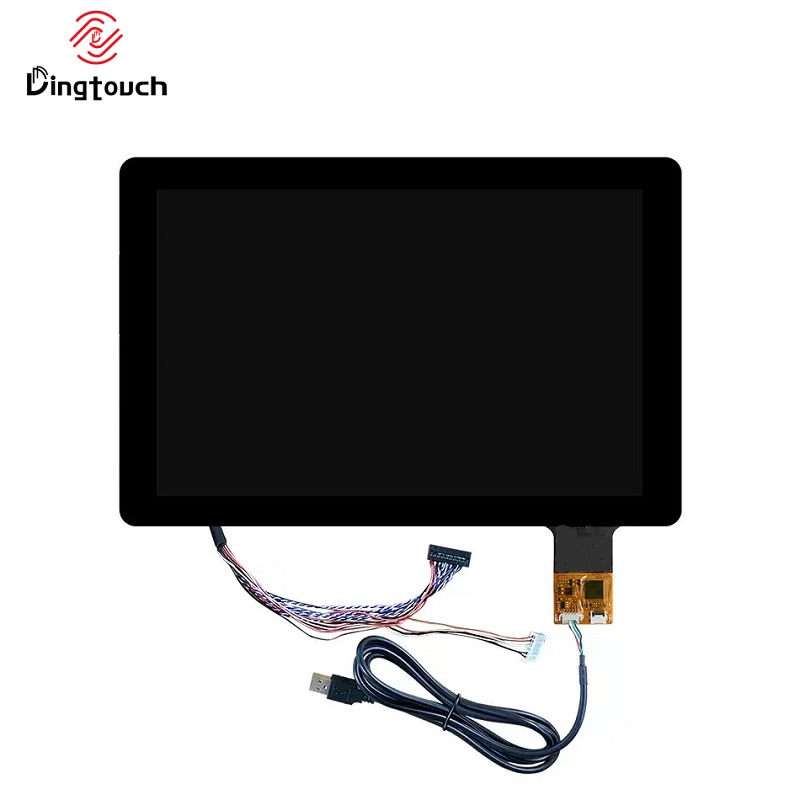
Looking to integrate a customized TP + LCD module + driver board into your system?
Our expert engineering team is ready to design a tailor-made solution that meets your performance, interface, mechanical, and environmental requirements.
 Email: sales@szdingtouch.com
 Website: www.szdingtouch.com
Ready to Build Your Outdoor Display Solution?
Get in touch with us at sales@szdingtouch.com. Our expert engineers will help you design a cost-effective, tailored solution to meet your project’s exact specifications.

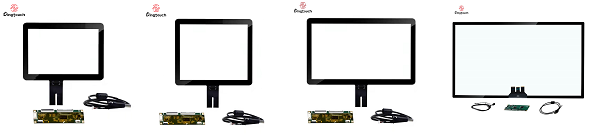
DINGTouch :Committed to continuous innovation and improvement of product quality to meet customers' high requirements and expectations.
DINGTouch is a manufacturer that provides high quality touch screen panels. Focus on the design, manufacturing and sales of touch screen panels, and are committed to providing customized solutions that satisfy customers.
DINGTouch: In the process of customizing touch screen panels, we focus on close cooperation and communication with customers. Understanding customers' needs and providing customized solutions will meet customers' individual needs. The company's products are favored by customers for their high quality and reliability, and provide them with the best touchscreen panel solutions.
DINGTouch :Committed to continuous innovation and improvement of product quality to meet customers' high requirements and expectations.
DINGTouch is a manufacturer that provides high quality touch screen panels. Focus on the design, manufacturing and sales of touch screen panels, and are committed to providing customized solutions that satisfy customers.
DINGTouch: In the process of customizing touch screen panels, we focus on close cooperation and communication with customers. Understanding customers' needs and providing customized solutions will meet customers' individual needs. The company's products are favored by customers for their high quality and reliability, and provide them with the best touchscreen panel solutions.
At DINGTOUCH, we are the world's leading touchscreen manufacturer, helping businesses around the world take advantage of this exciting technology. For more information, please visit the home page now.
Find the DINGTouch technical team to achieve the success of your company's new project.

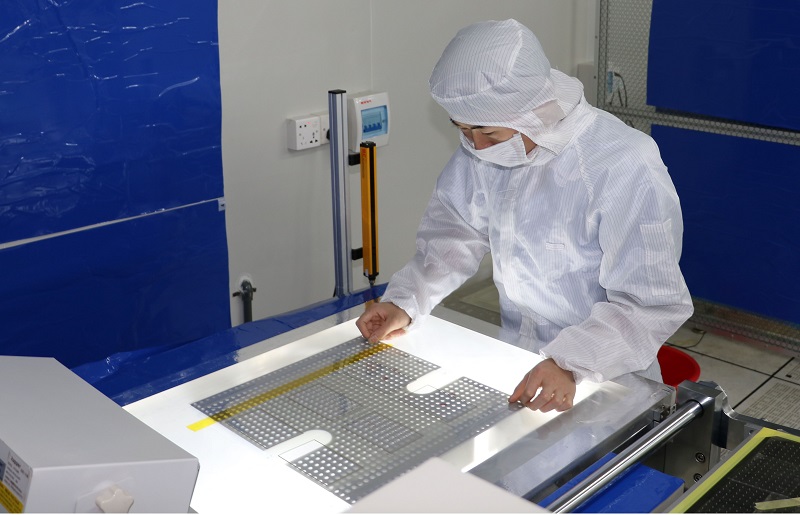
DINGTouch is a company specializing in the R&D and production of touch screen technology, headquartered in Shenzhen, China. As a professional touch screen supplier, DINGTouch is committed to providing high-quality, stable and reliable touch screen products to meet the diverse needs of customers. We continue to carry out technological innovation and product optimization to ensure that its touch screen products have good sensitivity, accuracy and durability.
In addition to the products themselves, we also focus on cooperation and communication with customers, and are committed to providing customized solutions and excellent after-sales services. Through continuous efforts to improve product quality and customer satisfaction, we have established a good reputation in the touchscreen industry and won widespread market recognition.
In addition to the products themselves, we also focus on cooperation and communication with customers, and are committed to providing customized solutions and excellent after-sales services. Through continuous efforts to improve product quality and customer satisfaction, we have established a good reputation in the touchscreen industry and won widespread market recognition.
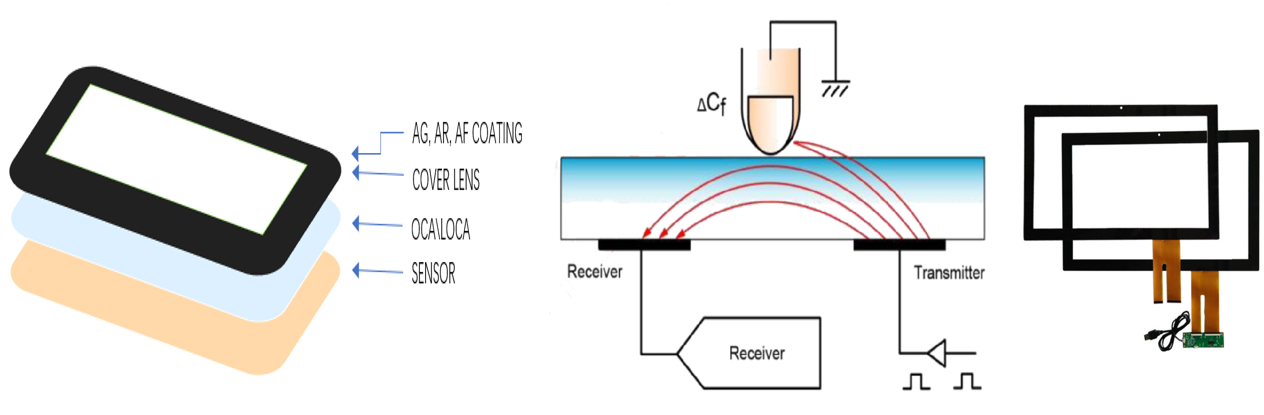
What DINGTOUCH can do:
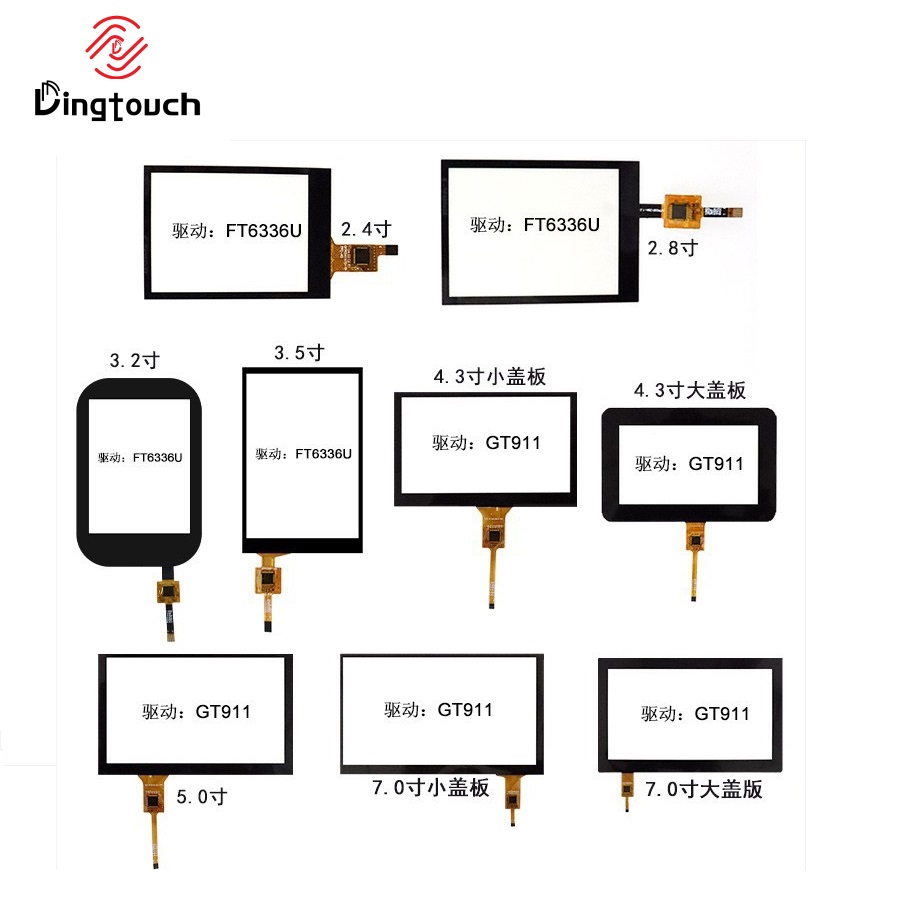
• PCAP maximum size 65”
• Multi-touch (Touch screen can be customized to your needs.)
• Optical bonding service/air bonding
• LCD interface: HDMI/RGB/MIPI/LVDS/EDP, etc.
• PCAP interface: IIC/USB interface
• CTP can customize the cover glass surface treatment process AG (anti-glare), AR (anti-reflection), AF (anti-fingerprint), waterproof, and glove touch
• Supports 0.55 mm-12 mm coverslip touch.
• Support operating temperature: -40℃-90℃.
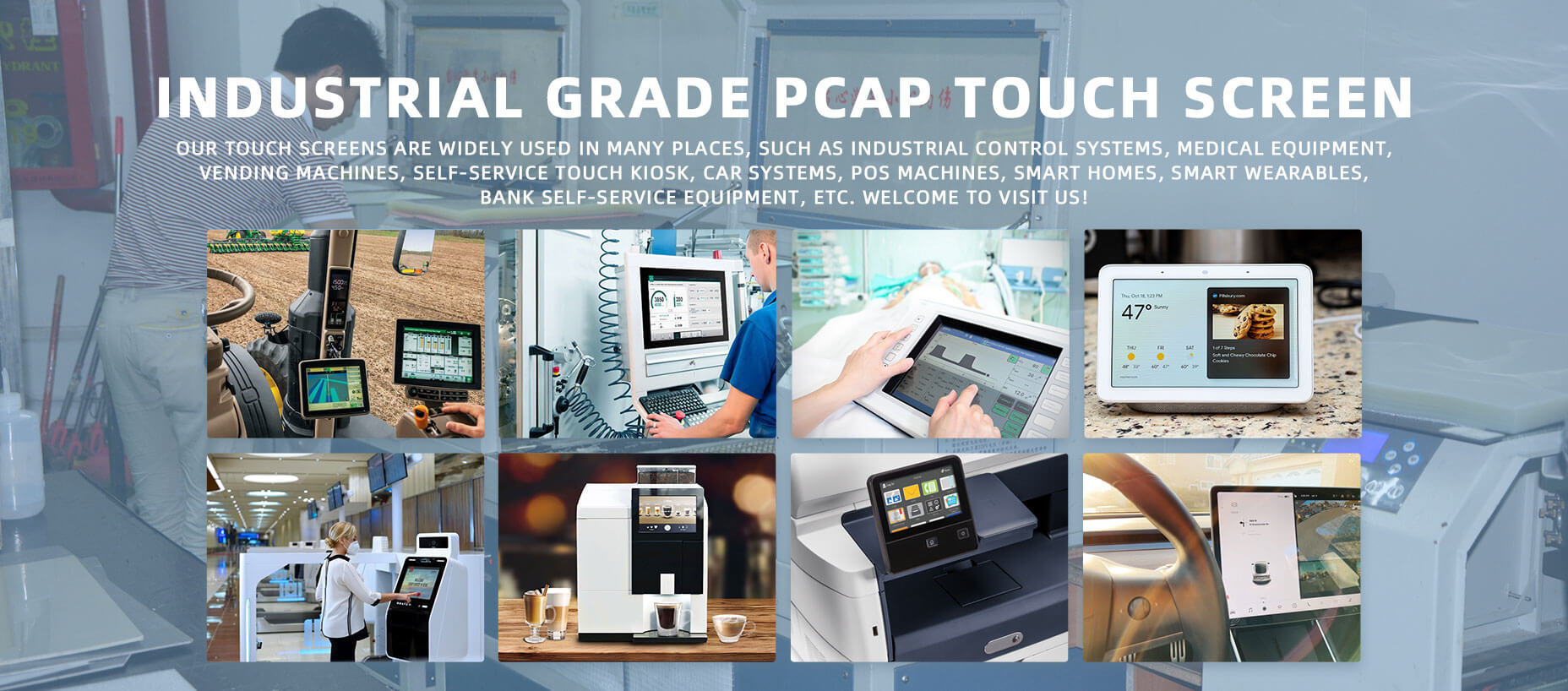
Dingtouch Industrial capacitive touch screen Manufacturer
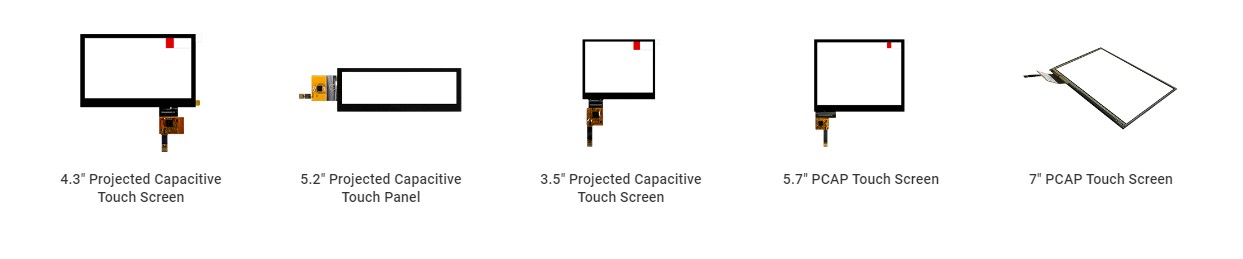
In conclusion, Dingtouch as a professional touch screen manufacturer with more than 10 years touch screen experience.We have many capacitive touch screen. Such as5 inch touch screen,7 inch touch screen,10.1inch touch screen,15 inch touch screen,15.6 inch touch screen,17 inch touch screen,18.5 inch touch screen,19 inch touch screen,21.5 inch touch screen,32 inch touch screen, However, we also welcome to customize your own touch screen . Contact our team today to learn what capacitive touch screen are best for our retail business needs.
Contact us NOW! sales@szdingtouch.com
CATEGORIES
CONTACT US
Contact: Dingtouch
Phone: +8615815536116
Tel: +8615815536116
Email: sales@szdingtouch.com
Add: Building A, Bailu Plaza, No. 48, Gonghe Industrial Road, Gongle Community, Xixiang Street, Baoan District, Shenzhen,China. 518126
 Dingtouch