News
Capacitive Touch Screen with USB & I2C Interface: How to Choose the Right Touch Solution for Your Application

capacitive touch screen with USB & I2C Interface: How to Choose the Right Touch Solution for Your Application
The Evolution of Capacitive Touch Technology
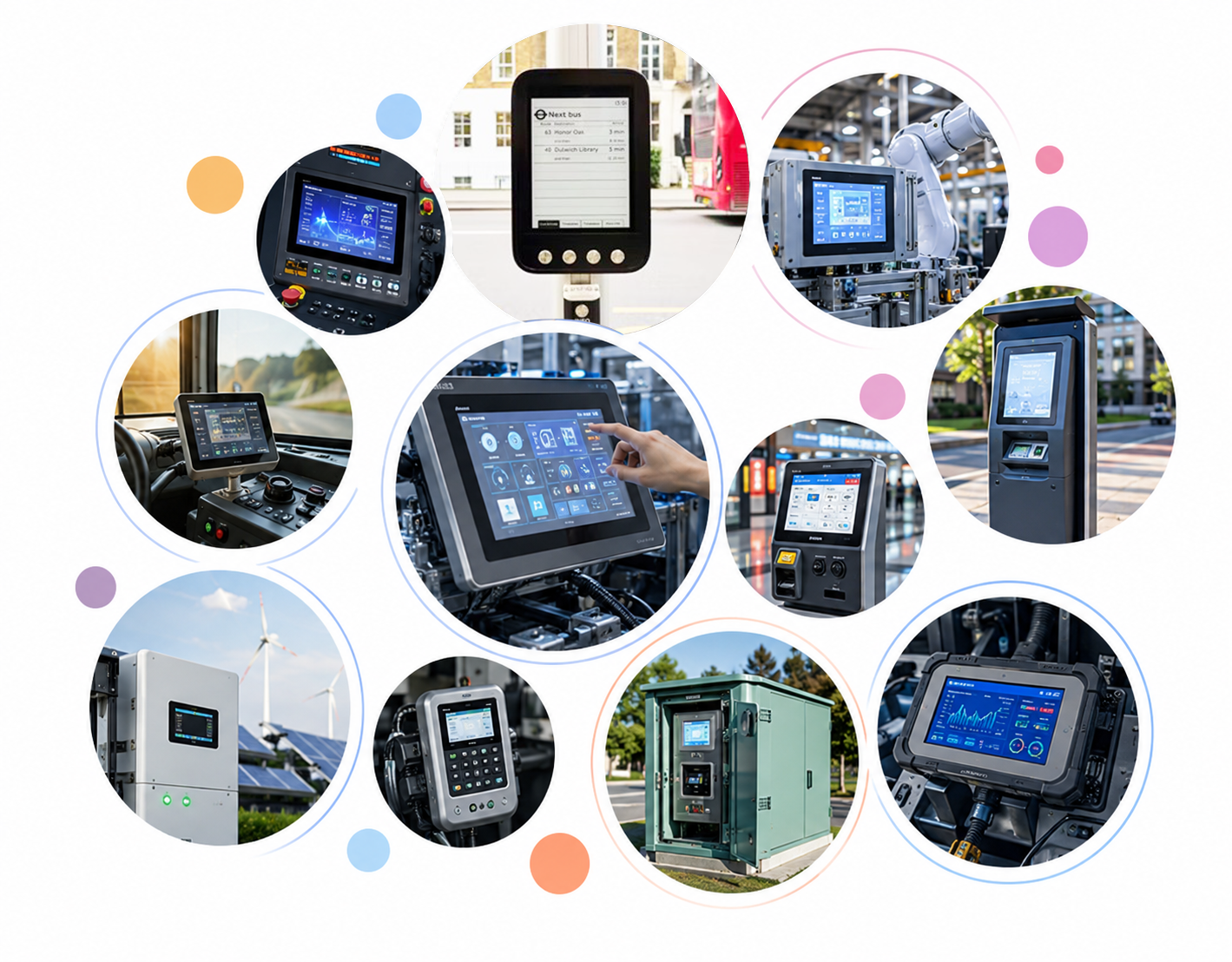
With the rapid development of smart devices, industrial control systems, medical equipment, and human-machine interfaces (HMI), capacitive touch screens have become one of the most widely adopted touch technologies worldwide.
Unlike traditional resistive touch screens, projected capacitive (PCAP) touch screen detect changes in the electrostatic field caused by fingers or conductive objects, enabling fast response, high accuracy, multi-touch operation, and excellent user experience.
To communicate with the host system, capacitive touch screens are commonly equipped with USB interfaces or I2C interfaces, providing flexible solutions for different application requirements.
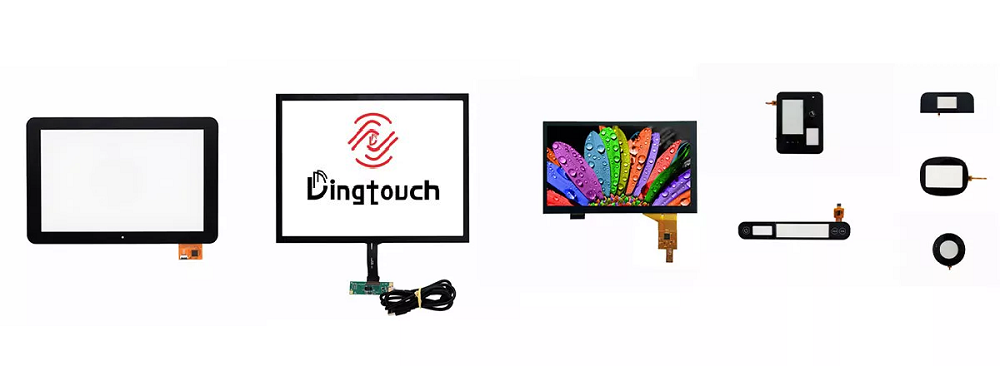
USB vs I2C Interface for Capacitive Touch Screens: Key Differences
1. USB Interface capacitive touch screen Solution
A USB capacitive touch screen connects directly to the host device through a USB cable, transmitting touch coordinates and control signals through the standard USB communication protocol.
Advantages of USB Capacitive Touch Scree
✅ Plug-and-Play Compatibility
One of the biggest advantages of USB touch screens is their excellent compatibility. Most operating systems, including Windows, Linux, and Android, support USB touch devices without requiring complicated driver development.
This makes USB interfaces ideal for:
- Industrial touch monitors
- Self-service kiosks
- POS terminals
- Interactive displays
- Embedded computers
✅ Easy Installation and Integration
USB provides a simple connection method. Developers do not need to design additional communication circuits, making system integration faster and reducing development time.
✅ Longer Communication Distance
Compared with I2C, USB supports longer transmission distances, making it suitable for larger devices where the touch controller is located far from the main processor.
✅ Stable Data Transmission
USB communication provides reliable and high-speed data transmission, ensuring smooth multi-touch performance and accurate touch response.
2. I2C Interface capacitive touch screen Solution
The I2C interface is a low-power serial communication protocol widely used in embedded systems. Many compact capacitive touch screens use I2C communication between the touch controller and the main processor.
Advantages of I2C Capacitive Touch Screens
✅ Low Power Consumption
I2C requires fewer communication resources and consumes less power compared with USB, making it an excellent choice for battery-powered devices.
Typical applications include:
- Portable medical devices
- Smart wearables
- Handheld equipment
- Embedded control panels
✅ Compact Hardware Design
I2C requires fewer connection lines, which helps reduce PCB complexity and allows for more compact product designs.
✅ Flexible Customization
For embedded applications, I2C allows engineers to directly communicate with the touch controller and customize touch parameters according to product requirements.
✅ Cost-Effective Solution
Compared with USB solutions, I2C-based touch systems usually require fewer components, helping reduce overall system costs.
USB vs I2C capacitive touch screen Comparison
| Feature | USB Interface | I2C Interface |
|---|---|---|
| Integration | Easy plug-and-play | Requires embedded software integration |
| Power Consumption | Higher | Lower |
| Communication Speed | Higher | Moderate |
| Hardware Complexity | Simple connection | More PCB integration required |
| Distance | Longer | Short distance |
| Application | Industrial monitors, kiosks, PC | Embedded devices, portable products |
| Operating System Support | Excellent | Depends on system driver |
How to Select the Right Interface for Your Project?
Choosing between USB and I2C depends on the application environment and system architecture.
Choose USB Interface When:
- The device requires quick installation
- Compatibility with Windows/Linux/Android is important
- The display size is medium or large
- A plug-and-play solution is preferred
Choose I2C Interface When:
- Low power consumption is required
- The product uses an embedded processor
- Space is limited
- Customized touch functions are needed
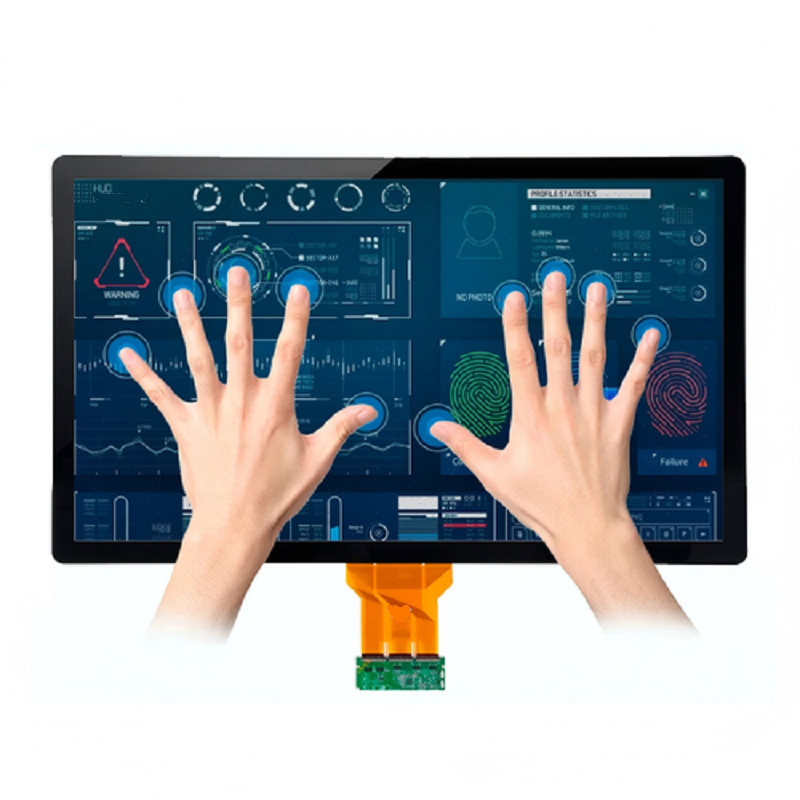
DINGTouch capacitive touch screen Solutions
As a professional custom capacitive touch screen manufacturer, DINGTouch provides flexible PCAP touch solutions with multiple interface options, including:
- USB interface
- I2C interface
- RS232 interface
- Customized communication solutions
Our capacitive touch screens support:
✅ Multi-touch operation
✅ Glove touch
✅ Water-resistant touch
✅ High sensitivity performance
✅ Industrial-grade reliability
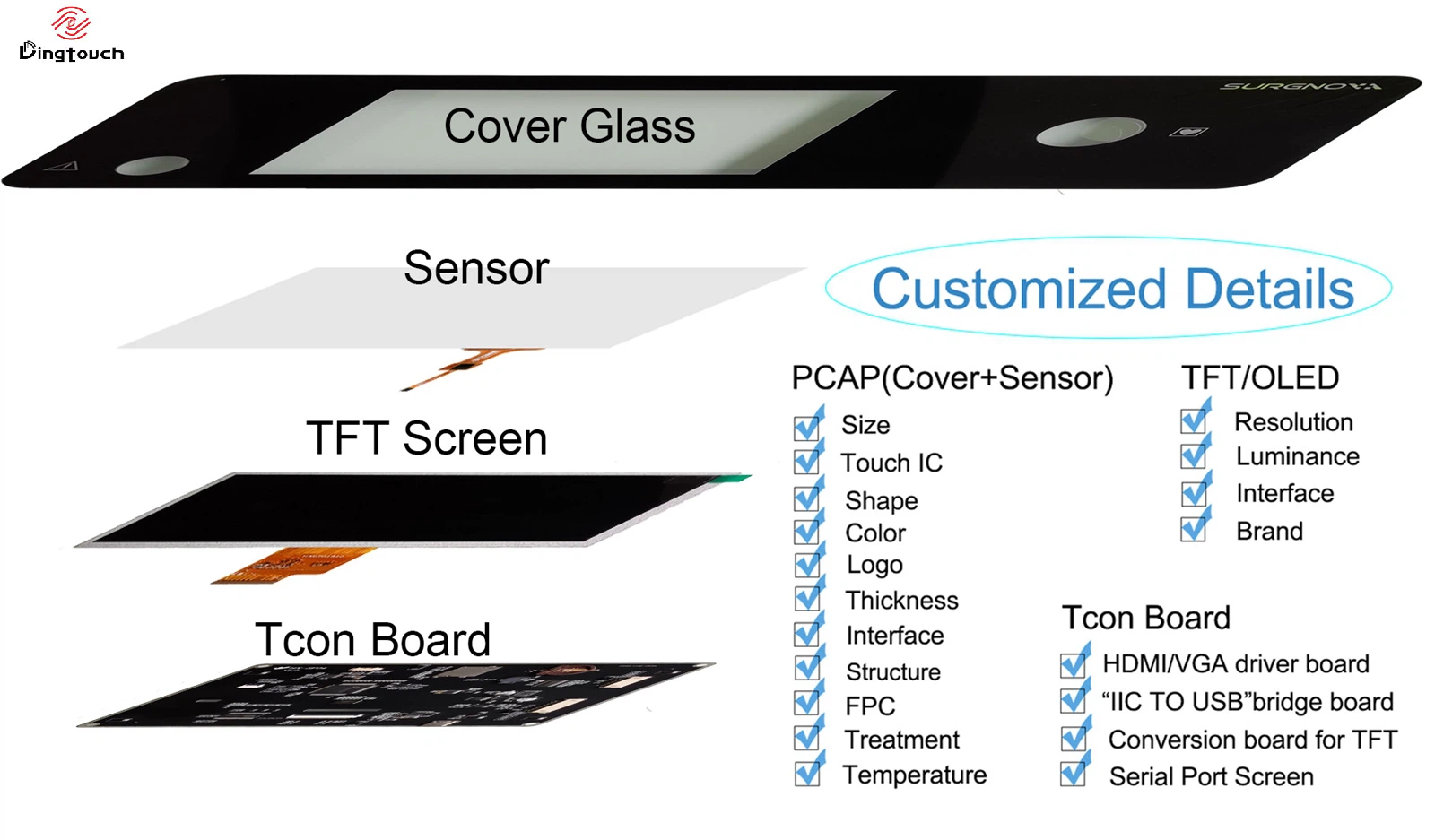
✅ Custom sizes from 0.96" to 65"
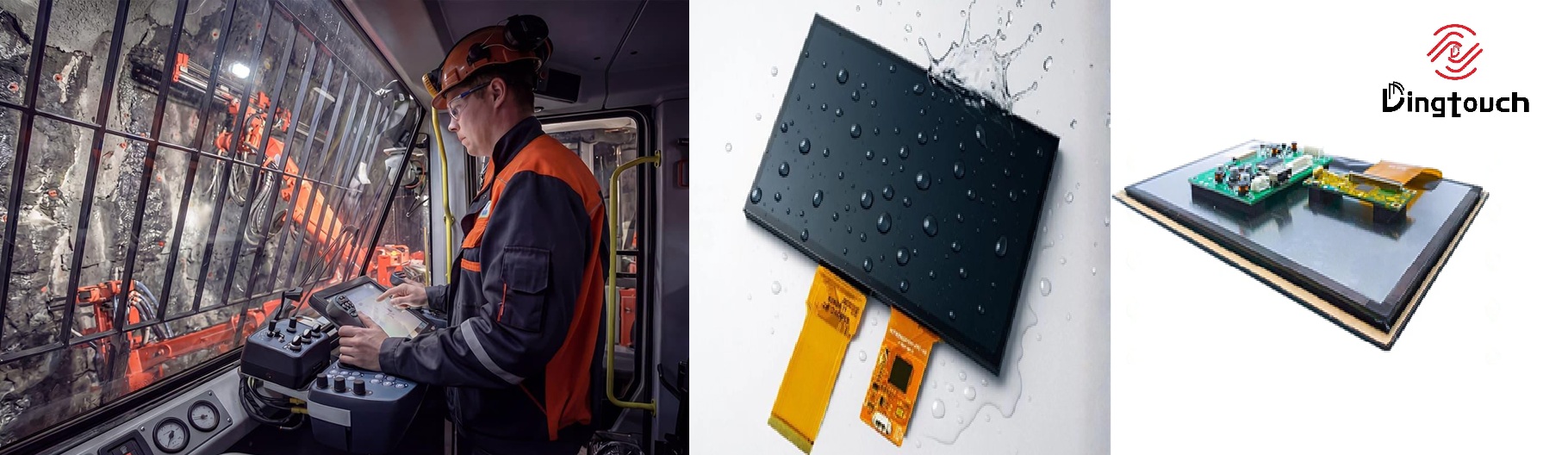
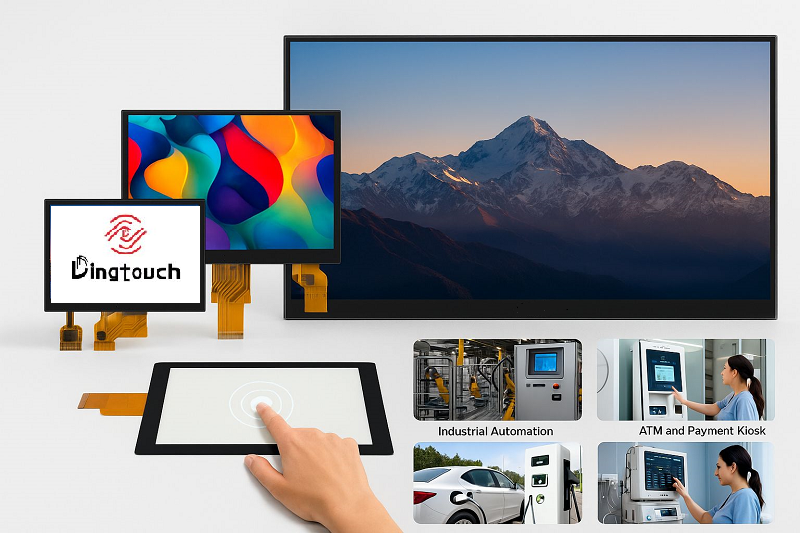
With advanced technologies including G+G structure, optical bonding, anti-glare coating, anti-fingerprint coating, and EMI shielding, DINGTouch provides reliable touch display solutions for industrial control, medical equipment, automotive systems, outdoor terminals, and smart devices.
Conclusion
USB and I2C are two widely used communication interfaces for capacitive touch screen. USB offers excellent compatibility, easy installation, and stable performance, while I2C provides low power consumption, compact design, and high customization flexibility.
The best choice depends on your product requirements, system architecture, and application environment.
By selecting the right capacitive touch screen interface, manufacturers can achieve a more reliable, efficient, and user-friendly interactive experience.
Ready to Build Your Outdoor Display Solution?
Get in touch with us at sales@szdingtouch.com. Our expert engineers will help you design a cost-effective, tailored solution to meet your project’s exact specifications.
DINGTouch:Committed to continuous innovation and improvement of product quality to meet customers' high requirements and expectations.
DINGTouch is a manufacturer that provides high quality touch screen panels. Focus on the design, manufacturing and sales of touch screen panels, and are committed to providing customized solutions that satisfy customers.
DINGTouch: In the process of customizing touch screen panels, we focus on close cooperation and communication with customers. Understanding customers' needs and providing customized solutions will meet customers' individual needs. The company's products are favored by customers for their high quality and reliability, and provide them with the best touchscreen panel solutions.
DINGTouch:Committed to continuous innovation and improvement of product quality to meet customers' high requirements and expectations.
DINGTouch is a manufacturer that provides high quality touch screen panels. Focus on the design, manufacturing and sales of touch screen panels, and are committed to providing customized solutions that satisfy customers.
DINGTouch: In the process of customizing touch screen panels, we focus on close cooperation and communication with customers. Understanding customers' needs and providing customized solutions will meet customers' individual needs. The company's products are favored by customers for their high quality and reliability, and provide them with the best touchscreen panel solutions.
At DINGTOUCH, we are the world's leading touchscreen manufacturer, helping businesses around the world take advantage of this exciting technology. For more information, please visit the home page now.
DINGTouch is a company specializing in the R&D and production of touch screen technology, headquartered in Shenzhen, China. As a professional touch screen supplier, DINGTouch is committed to providing high-quality, stable and reliable touch screen products to meet the diverse needs of customers. We continue to carry out technological innovation and product optimization to ensure that its touch screen products have good sensitivity, accuracy and durability.
In addition to the products themselves, we also focus on cooperation and communication with customers, and are committed to providing customized solutions and excellent after-sales services. Through continuous efforts to improve product quality and customer satisfaction, we have established a good reputation in the touchscreen industry and won widespread market recognition.
In addition to the products themselves, we also focus on cooperation and communication with customers, and are committed to providing customized solutions and excellent after-sales services. Through continuous efforts to improve product quality and customer satisfaction, we have established a good reputation in the touchscreen industry and won widespread market recognition.
What DINGTOUCH can do:
• PCAP maximum size 65”
• Multi-touch (Touch screen can be customized to your needs.)
• Optical bonding service/air bonding
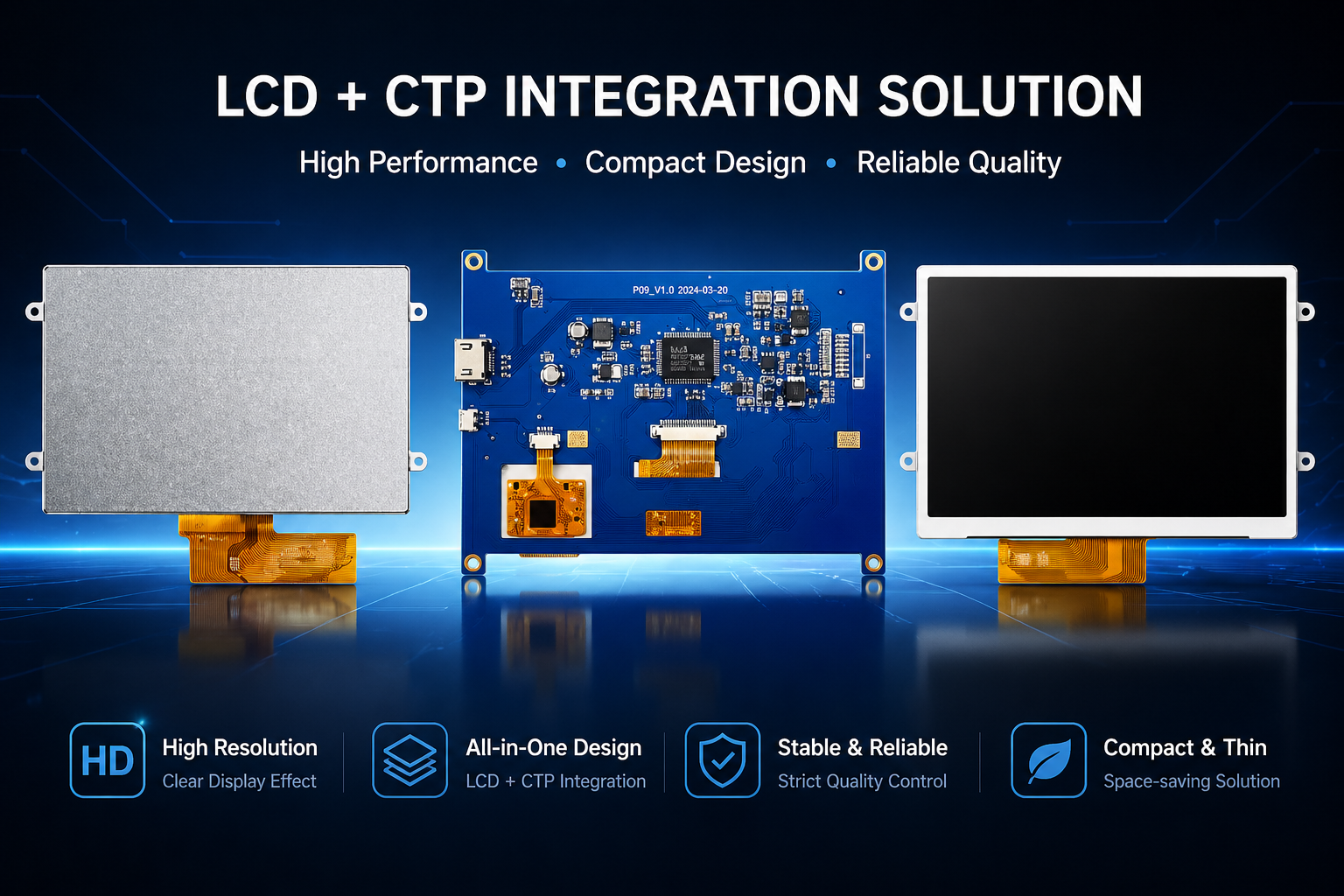
• LCD interface: HDMI/RGB/MIPI/LVDS/EDP, etc.
• PCAP interface: IIC/USB interface
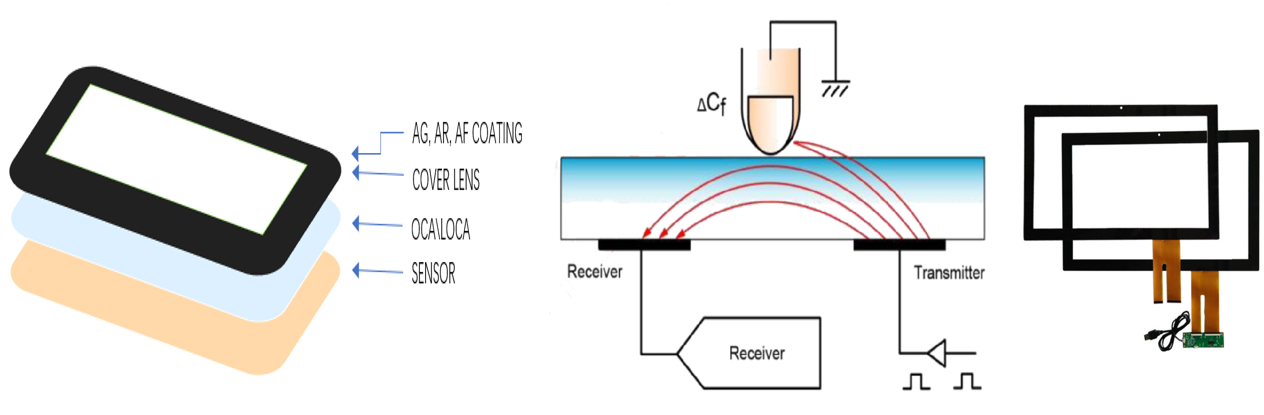
• CTP can customize the cover glass surface treatment process AG (anti-glare), AR (anti-reflection), AF (anti-fingerprint), waterproof, and glove touch
• Supports 0.55 mm-12 mm coverslip touch.
• Support operating temperature: -40℃-90℃.
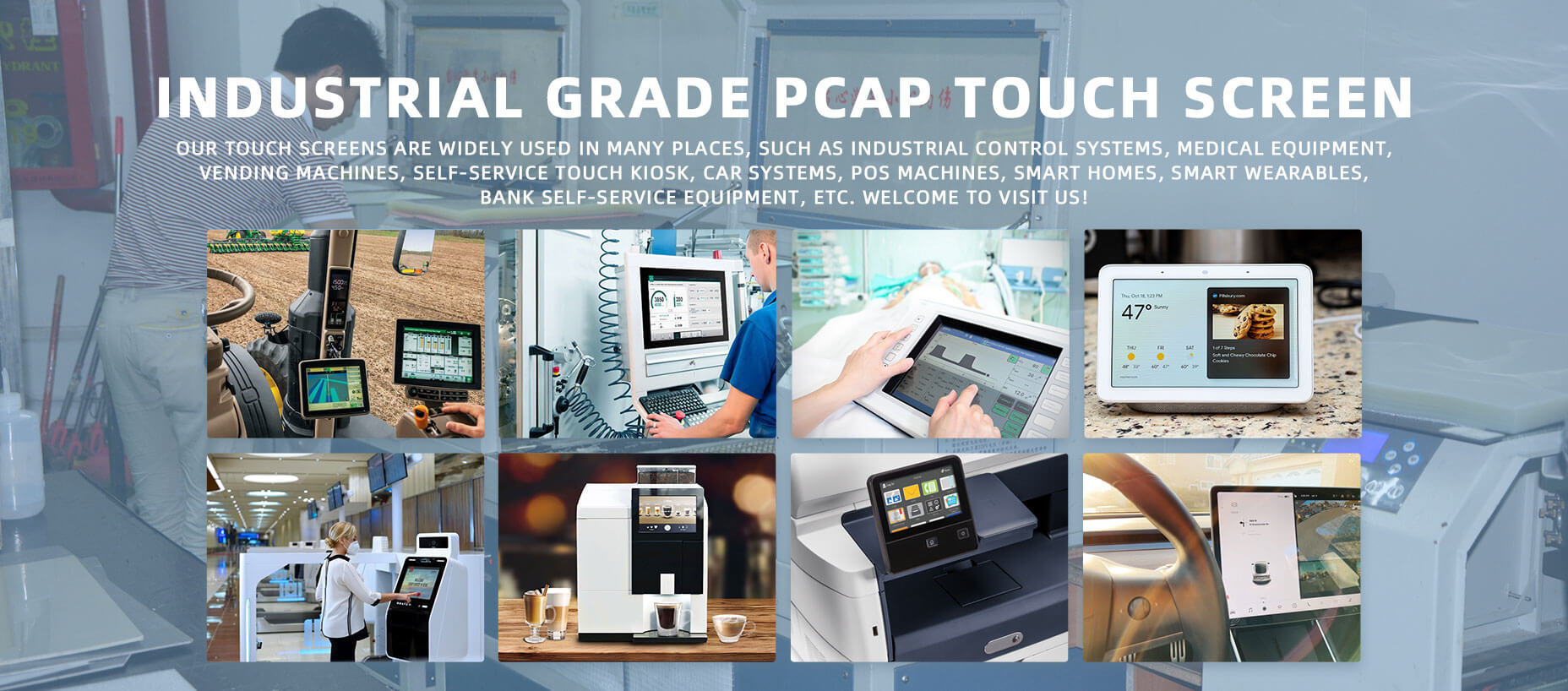
Dingtouch Industrial capacitive touch screen Manufacturer
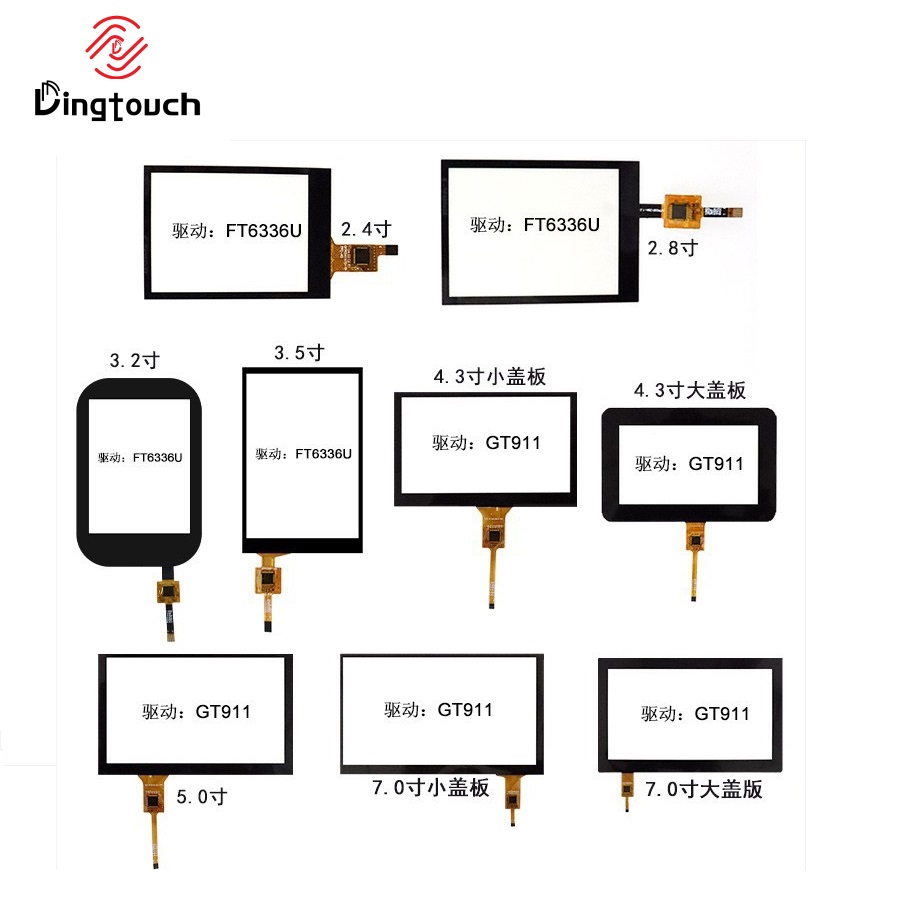
In conclusion, Dingtouch as a professional touch screen manufacturer with more than 10 years touch screen experience.We have many capacitive touch screen . Such as 5 inch touch screen,7 inch touch screen,10.1inch touch screen,15 inch touch screen,15.6 inch touch screen,17 inch touch screen,18.5 inch touch screen,19 inch touch screen,21.5 inch touch screen,32 inch touch screen, However, we also welcome to customize your own touch screen . Contact our team today to learn what capacitive touch screen are best for our retail business needs.
Contact us NOW! sales@szdingtouch.com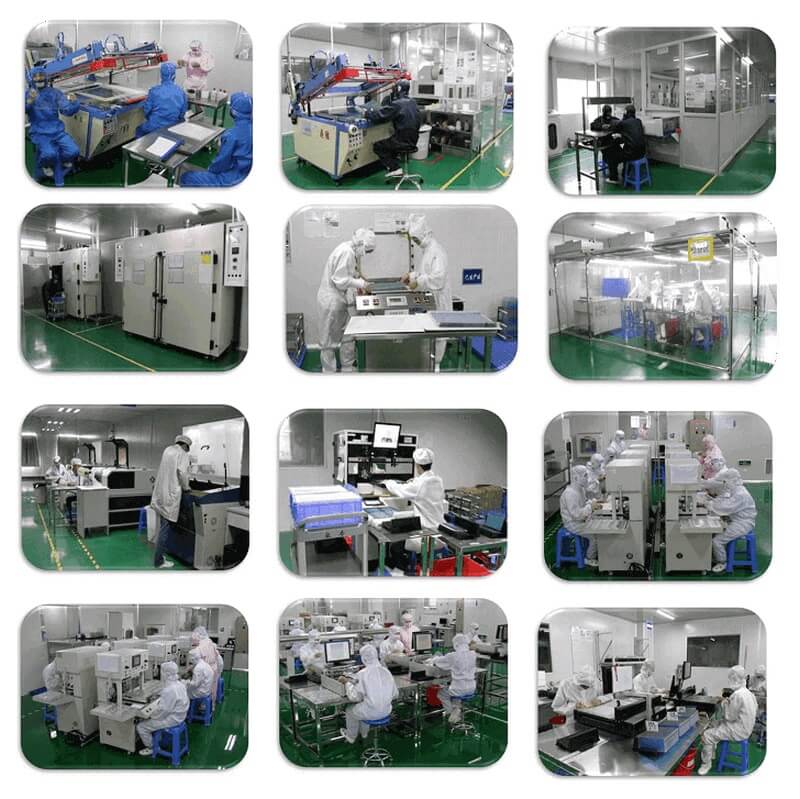
#Medicaltouchscreencalibration, #capacitivetouchcalibrationguide, #IEC60601touchscreen, #DINGTouchmedicaldisplay, #touchscreenaccuracy, #touchscreen driftfix, #medicalequipmenttouchsolutions, #IP65touchpanel, #IK10medicaltouchscreen, #glove touch medical monitor,#ILITEKTouchControllerICSelectionGuide ,#OCAtoOCR #GT911,#CustomizedWideTemperatureTouchScreenSolutions,#Waterproof Touchscreen,
#highbrightnessLCD, #sunlightreadabledisplay,#industrialLCDbacklight, #outdoor displaymodule, #customLCDsolution, #1000–2000nitsdisplay, #DINGTouchtouchscreen.
#capacitivetouchscreen, #EMI/EMCoptimization, #anti-interferencetechnology, #DINGTouch,#customtouchscreensolutions, #industrialtouchdisplay, #medicaltouch screen, #5Gtouchscreen, #AIanti-interferencealgorithm, #smarttouchdisplay,
DINGTouch — Custom Touch Display Solutions Expert
Every touch, clear and precise, ready for any environment.
Every touch, clear and precise, ready for any environment.
CATEGORIES
CONTACT US
Contact: Dingtouch
Phone: +8615815536116
Tel: +8615815536116
Email: sales@szdingtouch.com
Add: Building A, Bailu Plaza, No. 48, Gonghe Industrial Road, Gongle Community, Xixiang Street, Baoan District, Shenzhen,China. 518126
 Dingtouch